
Font Choices
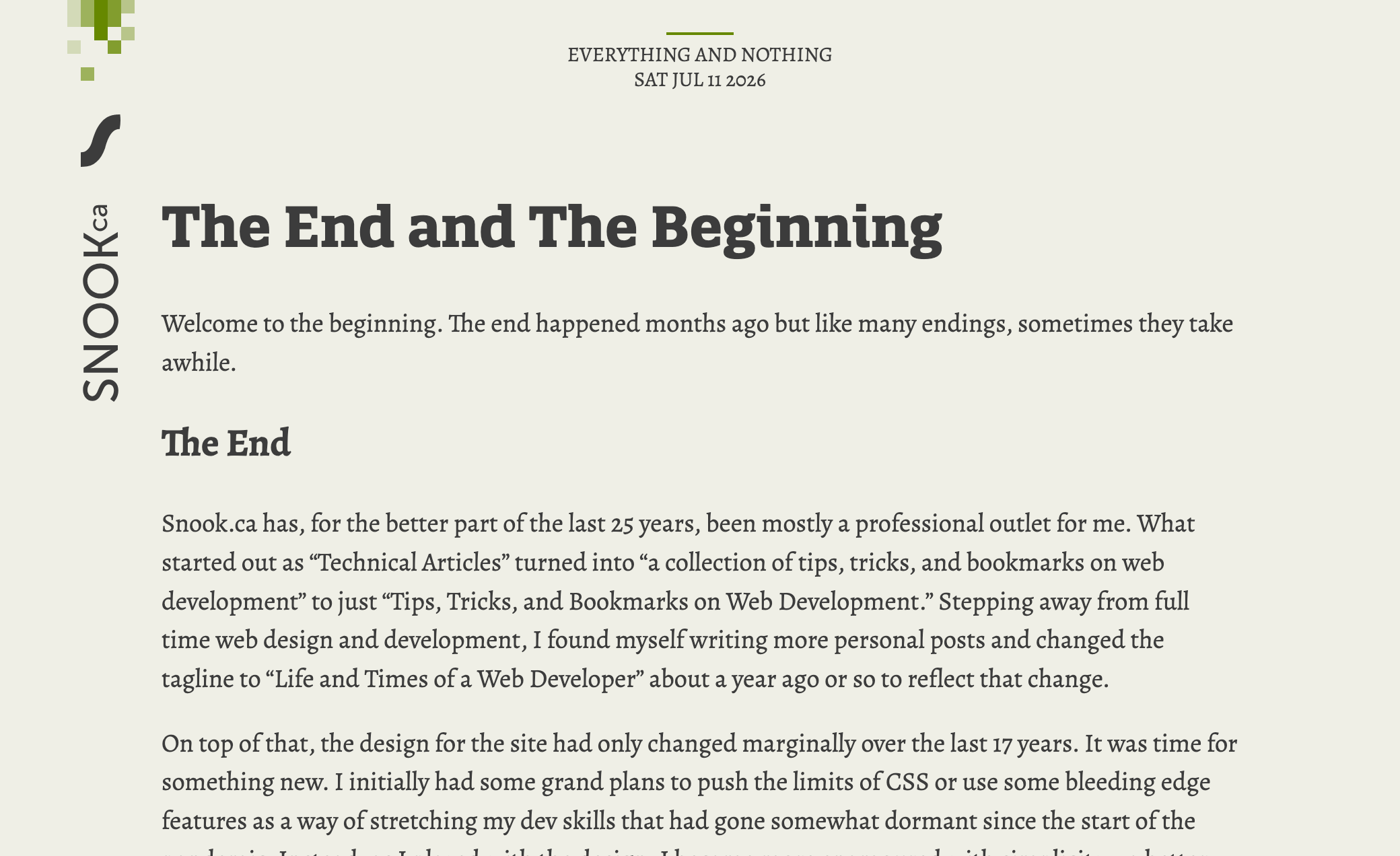
A week ago, I had launched this site using QuatroSlab for page titles and Google’s Slabo for body copy. For those that have been around awhile and are familiar with SMACSS, you might recognize QuatroSlab from that site. I like the font and started off with it to see how I’d feel about it on the this new design. Then I chose Slabo as a font that I felt paired well with it.
For the most part, I was fine with it but after finally getting a blog post written and posted under the new design, I was feeling less than thrilled with my choices.
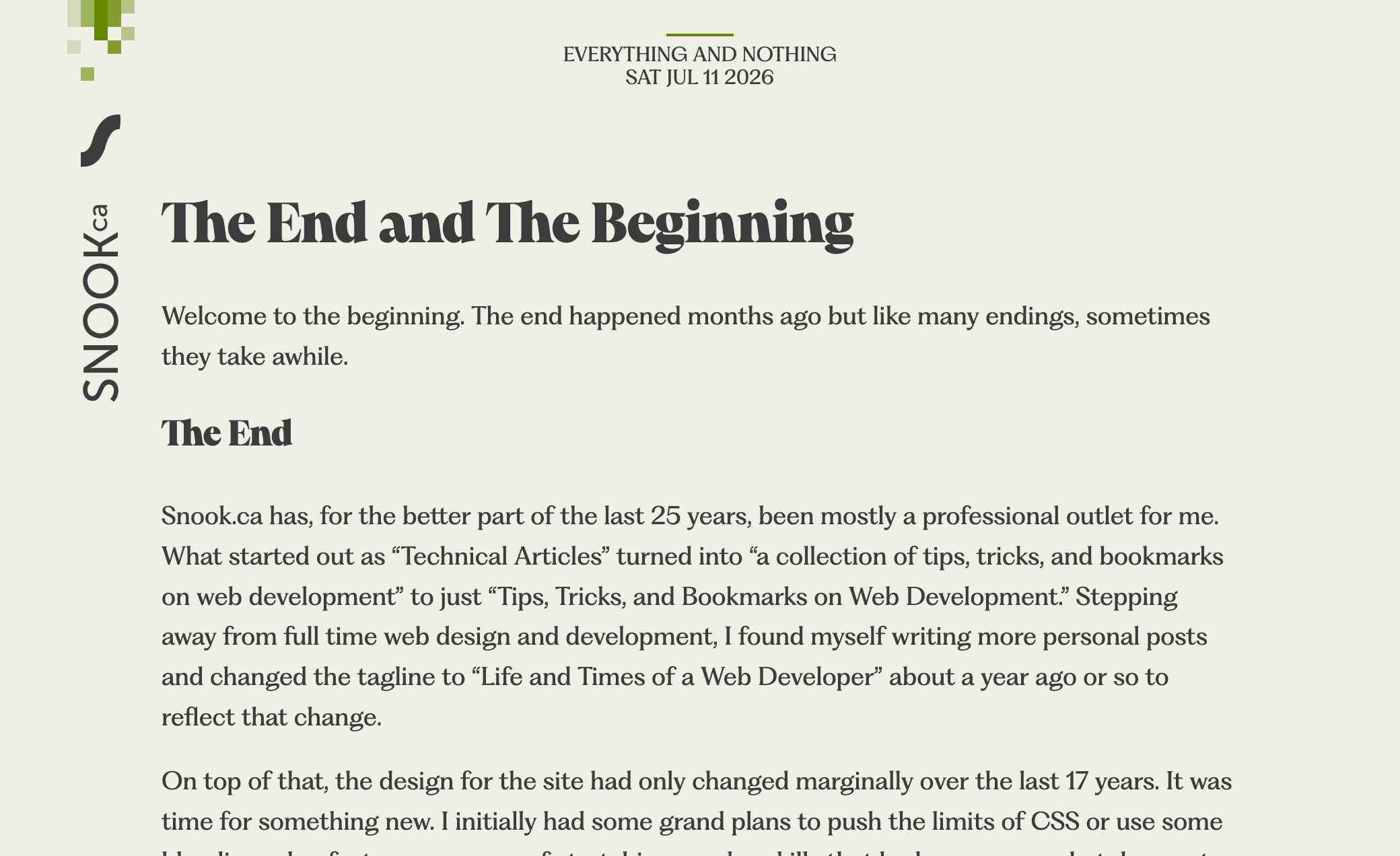
Over yesterday and today, I decided to do some research on fonts and came across Pangram Pangram Foundry. They have some delectable fonts that make me want to do some interesting designs with them. This led me to Fragment. I looked through all the variants and Fragment Text felt just right for the body copy. It felt softer and rounder and more open and friendly than Slabo.
My only complaint is that I want some of the discretionary ligatures in the list of standard ligatures like the Th and ft. The rest of them are too much flourish for body copy. I enabled the ligatures for headings, at least, where some flourish is warranted.
For page headings, though, I wanted something bolder. This is where Pangram Pangram’s Pangaia comes in. I like the slightly retro-modern funky feel that this font brings to the table.
The CSS
From a technical perspective, this is the first time I’ve taken advantage of OpenType feature capabilities and I found it confusing as I couldn’t find a good explanation of what liga or dlig or ss03 mean or how to know whether a font even supports these.
I’ve learned that you can turn these on or off via CSS’s font-feature-settings property.
font-feature-settings: "ss02", "ss03", "ss04", "dlig", "zero", "onum";Declaring the value turns them on. You can alternatively, specifically declare them on or off using the words on or off or the numbers 1 or 0. The following would enable features ss02, ss03, zero, and onum; it would disable ss04 and dlig.
font-feature-settings: "ss02" on, "ss03" 1, "ss04" off, "dlig" 0, "zero", "onum";The question then became about how to figure out which of these features exist in a particular font. For this, I used FontDrop!. It will show you what features are available and what those features look like for that font. FontDrop! is all client-side, too, which is nice. I didn’t want to be uploading files that aren’t mine to someone’s server.
Up Next
I suspect I will end up tweaking which of these features are on or off as I add more content to the site and decide what works well for a given scenario.